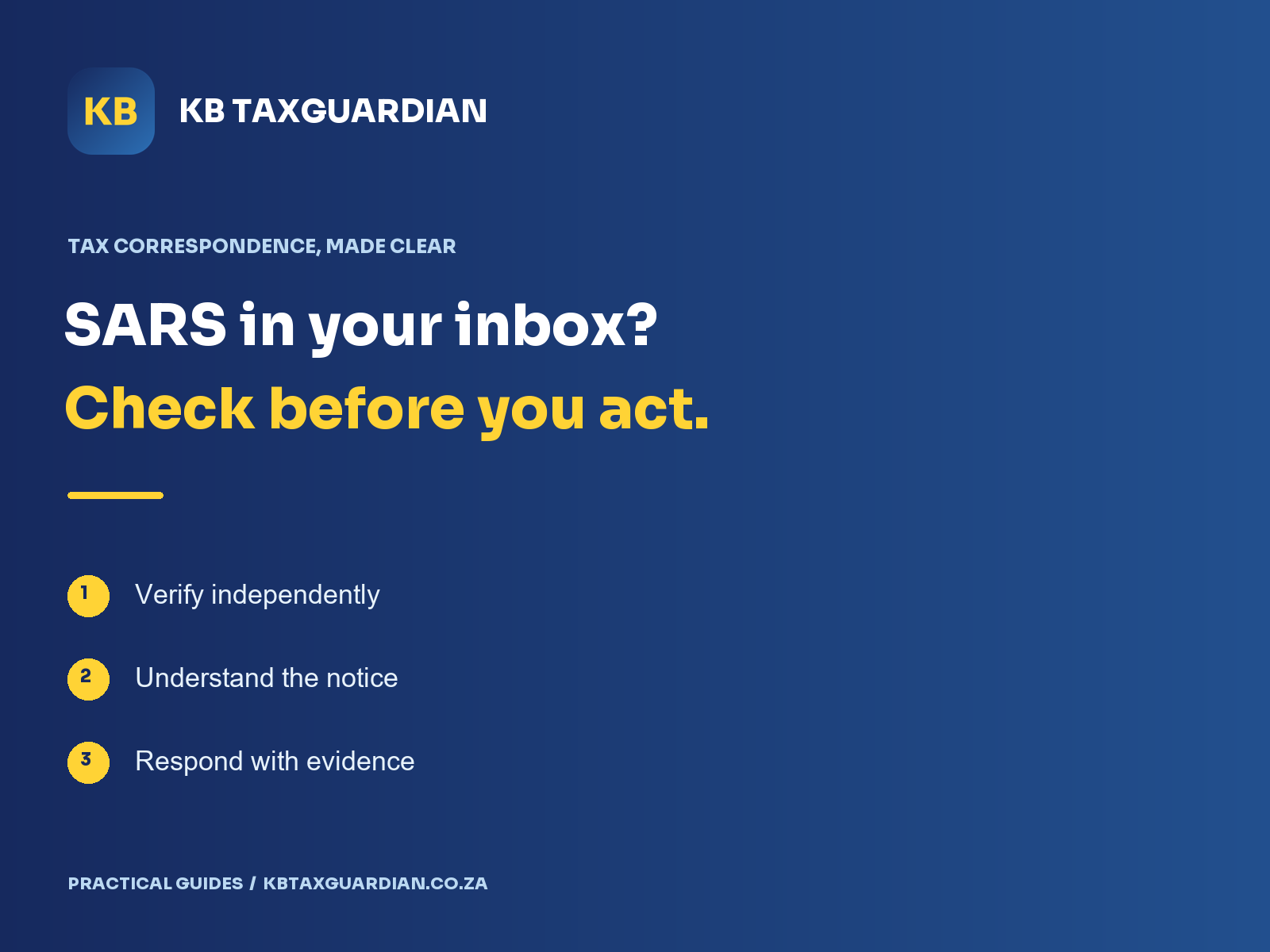
An email appears to come from SARS. It mentions a refund, an outstanding amount or documents needed urgently. You want to deal with it promptly, but you are not sure whether the message is genuine or what the next step should be. That uncertainty is a reason to verify the communication, not to follow its links under pressure.
South African business owners receive many legitimate accounting and tax messages. Scammers exploit that familiar context. A recognisable logo or a reference to an assessment is not enough to establish who sent a message. Treat the communication and the underlying tax issue as two questions that need checking separately.
This guide explains a practical response for owners in Centurion, Pretoria, Johannesburg and elsewhere in South Africa. It covers initial verification and organising a genuine request. It does not replace the instructions in an authentic notice or advice about your particular tax affairs.
1. Pause before opening links or sending information
Do not use an unexpected message as the starting point for signing in, making a payment or sharing personal information. Be particularly cautious where the sender creates urgency, promises a refund or asks you to move to another channel to resolve a problem.
SARS's scams and phishing guidance warns that it does not request passwords, one-time PINs, banking PINs or eFiling login credentials through email, SMS, social media or telephone. A request for those details should not be treated as a normal part of resolving a tax query.
Preserve the message if it may need to be reported or reviewed. Do not forward it widely to staff with instructions to open the attachment. Keep the initial response contained while you verify what has happened.
2. Check through a channel you reach independently
Go to the official SARS website or the eFiling service independently, rather than using the sign-in link supplied in the unexpected message. Review the relevant correspondence and account information. Where you need assistance, obtain contact details from the official site.
If you already work with a tax practitioner, contact them through the details you normally use. Explain the message and ask how to share it safely. Do not assume that a new telephone number or email address in the message belongs to the person you know.
SARS provides examples of reported scams and guidance for verifying communications. An unfamiliar message does not become genuine simply because it is absent from that examples list. Use independent verification and the relevant official records rather than relying on one visual comparison.
3. Separate a genuine notice from a misleading email
You may discover that there is real SARS correspondence, but the email you received still needs scrutiny. Work from the authentic notice obtained through the official channel. Record the tax type, period, reference, issue and any response date shown in that notice.
Different processes require different actions. A request for supporting documents is not automatically an assessment you need to object to. A payment query, verification request and audit should not be treated as interchangeable because the email uses alarming language.
If the underlying notice is unclear, ask for assistance early. Do not invent a response deadline or assume that an earlier interaction settled the matter. The full correspondence and your circumstances determine what should happen next.
4. Turn a genuine document request into a checklist
Read the complete request and list each item required. Identify the relevant period and where the supporting information can be obtained. Give missing items an owner and keep a record of what has been collected. A clear checklist helps prevent an urgent response from becoming a bundle of unrelated files.
Match documents to the figures or transactions being queried. Provide readable copies and check that pages are complete. If an invoice, certificate or explanation is unavailable, raise that issue with your practitioner rather than fabricating a document or guessing an amount.
For a fuller preparation process, read our SARS audit and verification document guide. It explains how to organise an evidence pack after the request itself has been verified.
5. Check the pack before final submission
Review the document names, period, readability and completeness against the authentic request. Check the current file and upload requirements in the relevant SARS system. Ask your practitioner about anything that does not fit the requested format or does not explain the figure under review.
The SARS supporting-document upload FAQ distinguishes uploading files from submitting them. It also explains that the supporting-document link closes after final submission. Review the complete pack before taking that final step.
Save the acknowledgement and keep a copy of the material supplied. Monitor genuine follow-up correspondence through the appropriate official channel. A successful upload should not be described as a guaranteed outcome for the underlying tax matter.
6. If you already interacted with a suspicious message
Stop interacting with the sender. If account access, payment information or a device may be affected, contact the relevant official provider promptly through independently verified contact details. The response needed depends on what was shared and what action occurred.
Use SARS's official scam-reporting guidance for suspicious tax communications. Tell your tax practitioner about any potential impact on your records or eFiling access. They need an accurate account of what happened, including whether information was entered or files were opened.
Do not conceal the incident because you feel embarrassed. A factual timeline can help the appropriate people assess the situation. KB TaxGuardian can assist with the tax correspondence and related records within its agreed scope; specialist account, banking or device assistance may also be necessary.
Build a calmer routine for future messages
Agree who in the business monitors genuine tax correspondence and how it reaches the accountant. Maintain known contact details and a secure document-sharing process. Keep tax records organised so that a genuine request can be handled without a rushed search through old inboxes.
An illustrative Johannesburg service business could designate one person to record notices and send verified correspondence to its practitioner. That simple ownership reduces duplicate responses and uncertainty. It does not mean staff should automatically trust messages addressed to that person.
Our small business tax-compliance checklist explains how to keep returns, payments and unresolved queries visible alongside these correspondence checks.
Frequently asked questions
Does a SARS logo prove an email is genuine?
No. Branding can be copied. Verify through official channels and the relevant correspondence before sharing information or making a payment.
Does a document request mean I should lodge an objection?
Not automatically. Establish which process applies and read the authentic notice. A verification request and an objection to an assessment are different matters.
Can Kayla help me understand a genuine notice?
KB TaxGuardian offers tax compliance, SARS audit and dispute support. Contact Kayla to explain what you received and agree a secure way to supply the notice for review. Do not send passwords or one-time codes.
Get clarity before you respond
You do not need to work out the meaning of an unfamiliar tax notice alone. Explore KB TaxGuardian's services or get in touch to discuss the issue, the relevant period and the next practical step. Remote support is available across South Africa.
Published by KB TaxGuardian. General educational information, checked against the linked official guidance on 20 November 2026. Your circumstances and current requirements determine the advice you need.
Meet Kayla Bester →